EBX

Quick start guide · Step 03 of 05

Control what your assets do at any time

Schedule a dispatch for your asset and see it applied in the selected delivery block.
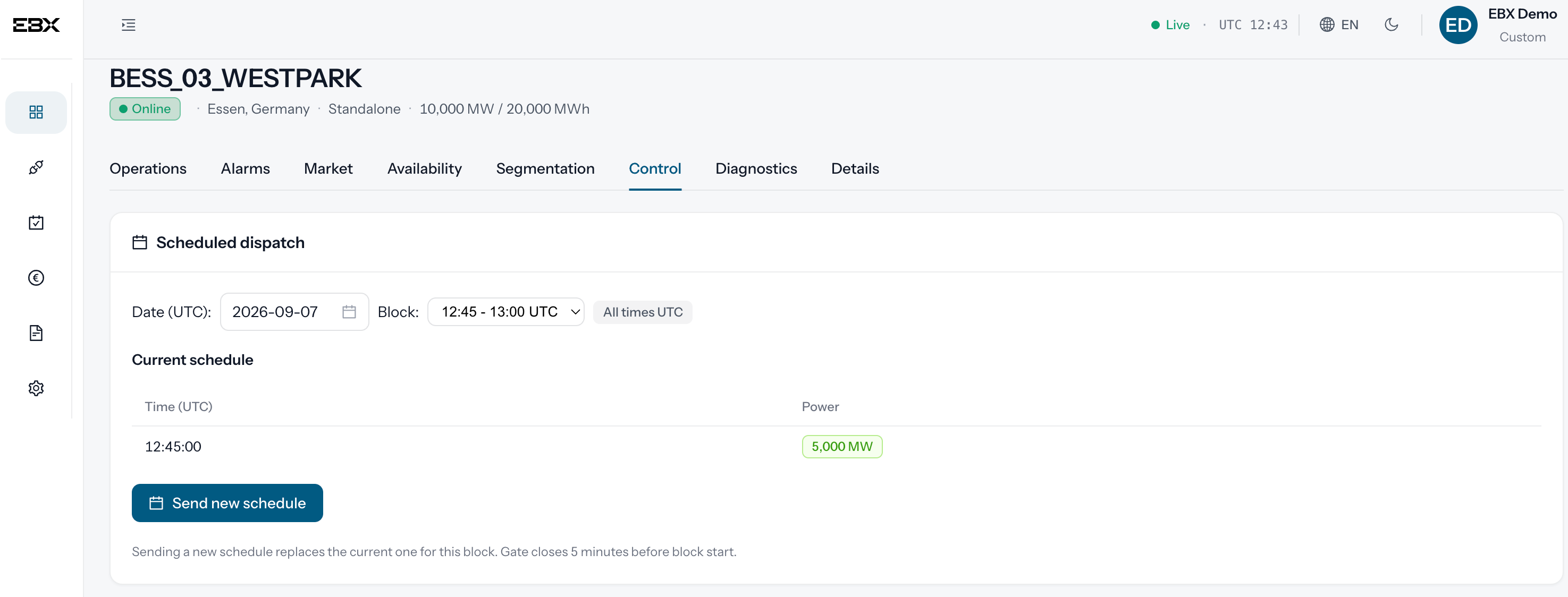
Control tab for BESS_03_WESTPARK: the scheduled dispatch for the 12:45 to 13:00 UTC block
Scheduled dispatch: set a target power scheduled for any upcoming delivery block.
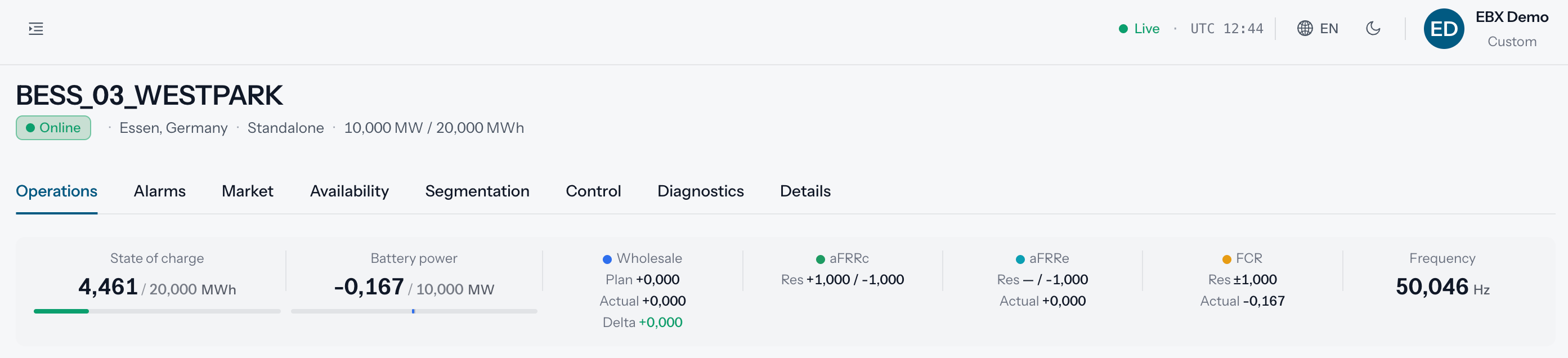
Asset header before the dispatch, at 12:44 UTC: battery power at -0,167 MW, close to zero
Before the dispatch: the asset sits idle.
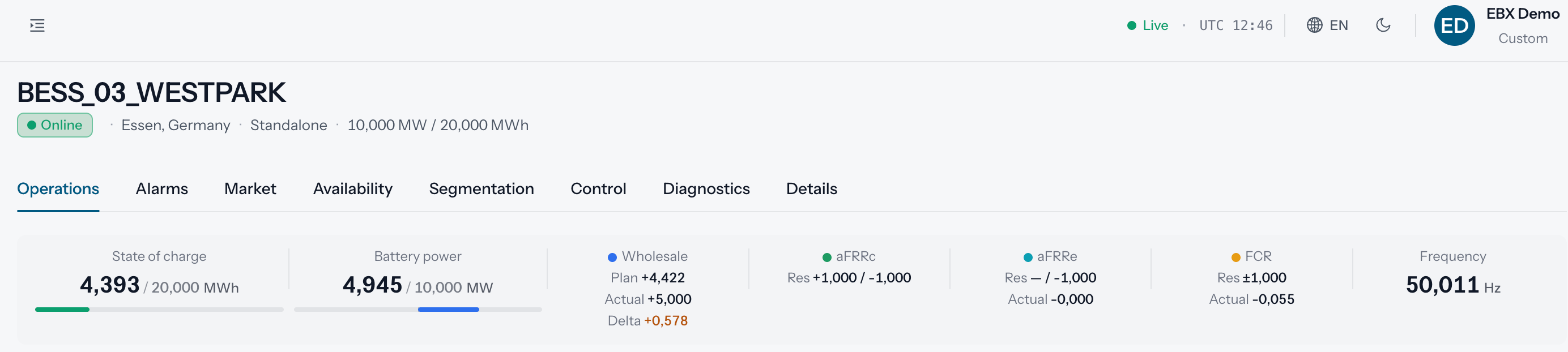
Asset header after the dispatch, at 12:46 UTC: battery power at 4,945 MW, holding at the scheduled target
After the dispatch: the asset ramps up to the target schedule.

Send feedback

This goes straight to the docs team on Slack, with the page you are on. It is not attributed to you, so say who you are if you would like an answer.

0/2000