Quick start guide · Step 02 of 05
Monitor your entire portfolio in one place
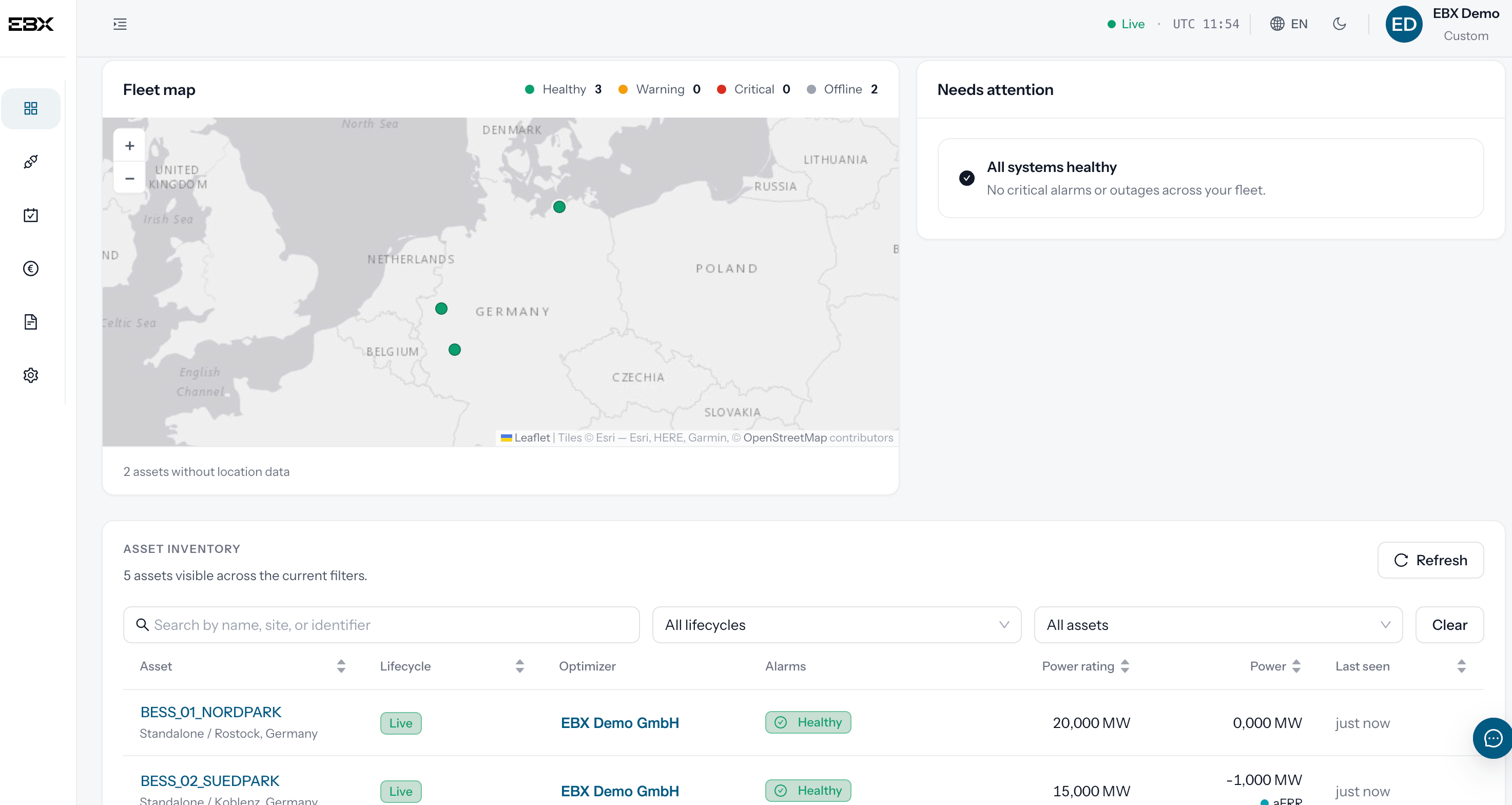
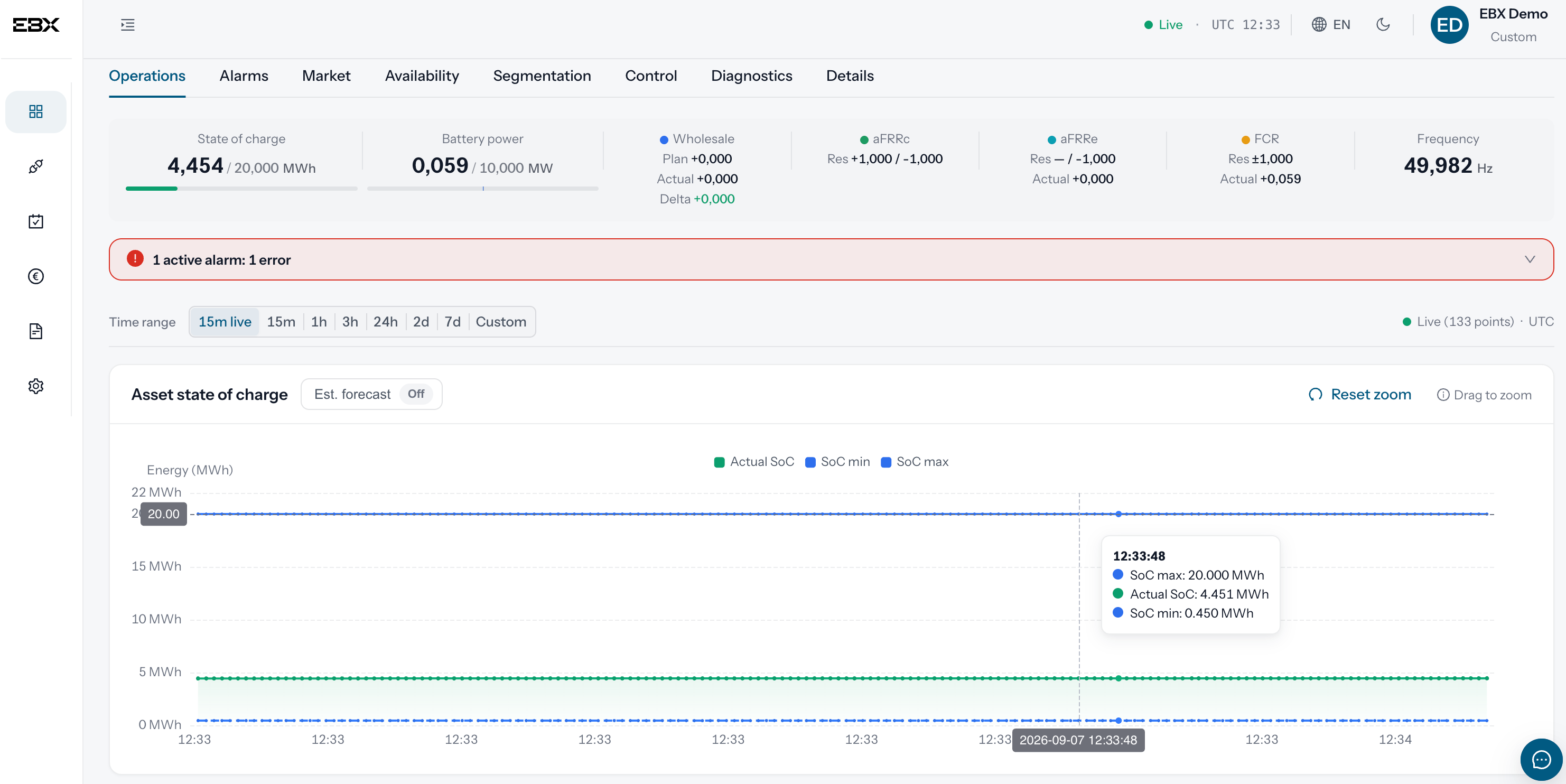
Once integration is complete, you have full access to the EBX Platform. The Control Center is our monitoring interface: it shows in real time how your entire portfolio operates, from fleet level down to a single asset.
What you see at a glance
- Operational status:
- available, restricted or out of service.
- State of charge:
- the energy your asset has available at any point in time.
- Actual power:
- how the asset performs against its target.
- Alarms:
- anything that needs your attention, as it happens.